Report is the engine at the centre of Quantoflow, and you can buy it on its own. No Monitoring or Cases required.
Bring your transactions in from the systems you already use. Report finds what FINTRAC needs to see, catches the errors it would reject, and files directly, with nothing re-entered into the portal. Each filing returns a timestamped receipt, and the full history stays on record. Every plan includes unlimited users and multi-tenancy, so one compliance team can file for any number of MSBs.
STR, LCTR, CDR, EFTR and LVCTR, built to FINTRAC’s current schema and kept current when it changes.
Missing and invalid fields are marked while the report is still a draft, with the fix beside each one.
Drop in a transaction file and file every report it produces at once, instead of one at a time in the portal.
Timestamped receipts and the full submission history, kept for your record-keeping obligations and your next examination.
We set up custom mappings for your data, so you never move columns or change your files. Upload, review, and file with FINTRAC.
Drag in a CSV or Excel export from your core system, payment processor or back office. We map Quantoflow to your columns once, at onboarding, and every upload after that just works. You never reformat a thing and all the rules (ministerial directives, 24 hour rule) are done on Quantoflow system.
Approve and submit in one click, and require sign-off for whichever report types you choose. Reports travel through FINTRAC’s API or using the Chrome Extension. No retyping, no portal, no lost receipts.
FINTRAC returns a timestamped receipt for each filing, and Quantoflow keeps it with the report and its history. Record keeping is done. An examination becomes an export.
A person always reviews an STR. Quantoflow drafts and checks it; your compliance team decides what is filed, and records why. Can AI write an STR narrative?
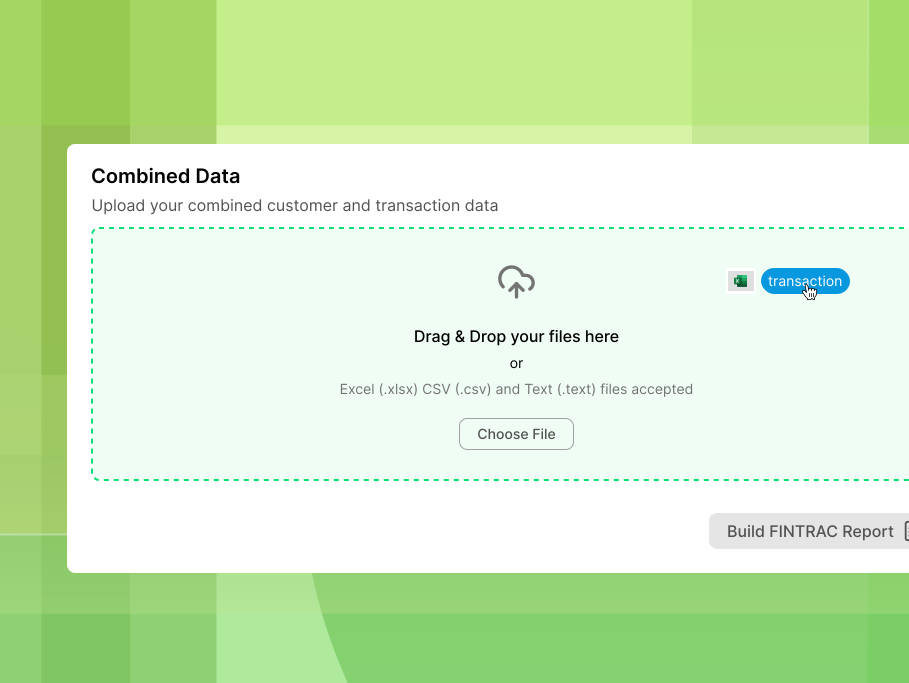
Drop the export you already keep onto the page. Quantoflow reads it through the mapping we set up at onboarding, finds what’s reportable, builds the reports and marks anything that needs fixing. It takes minutes. No templates, no reformatting, no retyping.
All five FINTRAC transaction reports, built to the current schema and kept current.
Suspicious transactions and behaviour across multi-account clients.
EFTs of $10,000 or more, incoming and outgoing, SWIFT and non-SWIFT.
Virtual currency transactions of $10,000 or more.
Large cash transactions of $10,000 or more.
Casino disbursements of $10,000 or more, single or aggregated.
By default, reports go straight to FINTRAC through its API and come back with a receipt. Nothing is retyped into the portal. For teams that would rather keep filing in FINTRAC’s own web system, there is the Chrome Extension. All five report types can be filed through the API.
1. The default
Reports go system to system, singly or in bulk, and each one comes back with a receipt.
2. Alternative
For teams that prefer the FINTRAC portal. The extension fills in the form from your checked data; your team reviews it and submits.
Two ways to get your data in. Most teams start with the spreadsheet they already export and add the API later. Neither is an IT project.
We map Quantoflow to your columns at onboarding. From then on you drag in the export you already keep, and your reports are filed within minutes. No reformatting, no training.
Connect your core banking system, payment platform or data warehouse in 1 to 2 weeks. Transactions then arrive as they happen, and reports are built and checked as they come in, ready to file.
Yes. Drag in a CSV or Excel export, review the exceptions, and submit to FINTRAC through its API. Quantoflow decides which transactions need a report and builds them for you. We map it to your columns during onboarding, so the export you already have is the one you upload.
Yes. When one client’s transactions reach $10,000 together within 24 hours, Quantoflow combines them into the single report FINTRAC requires. It needs a client identifier and a timestamp on each transaction. More on the 24-hour rule, and on static windows vs. running clocks.
No. During onboarding we map Quantoflow to the export you already keep. From then on you upload it in the browser and file within minutes. When you want the upload automated, connecting through the REST API takes 1 to 2 weeks.
Yes. Report is sold on its own; Monitoring and Cases are separate modules you can bring in if and when you need them. Report plans are priced by the reports you file each year. See pricing.
All five: STR, LCTR, EFTR, LVCTR and CDR, singly or in bulk. The API is the default route, and every submission returns a timestamped receipt.
You fix it in Quantoflow and send it again. Most errors never get that far: they are flagged the moment you upload, field by field. Whatever FINTRAC does return, you edit in the same place and resubmit, with nothing re-entered. See error handling and the fields FINTRAC rejects reports for.
Yes. Every report is tracked against its deadline: STR as soon as practicable, LCTR 15 days, CDR 15 days, EFTR 5 working days, LVCTR 5 working days.
A timestamped receipt for each submission, kept with the report and every later change. When an examiner asks what you filed and when, you export it instead of searching for it.
Yes. Each client is its own entity, with separate data, users and settings, and your team moves between them from one login. See multi-tenancy.
Manual and automated Suspicious Transaction Report workflows compared, for FINTRAC reporting entities. Where STR automation reduces risk, where it quietly adds risk, and the parts of the process no software can do.
Read the article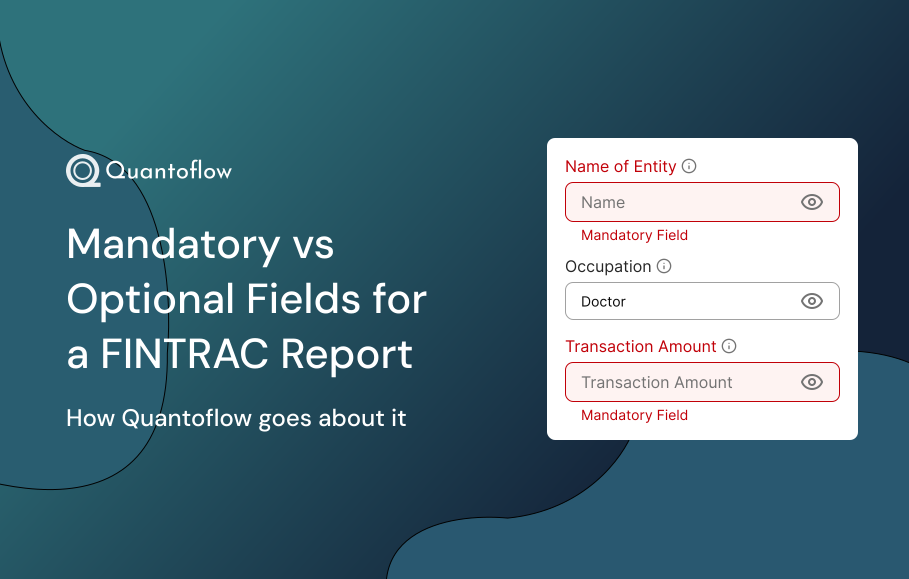
Which FINTRAC fields you must complete, which apply only sometimes, and which call for reasonable measures, with good practice for handling optional information in your reports.
Read the article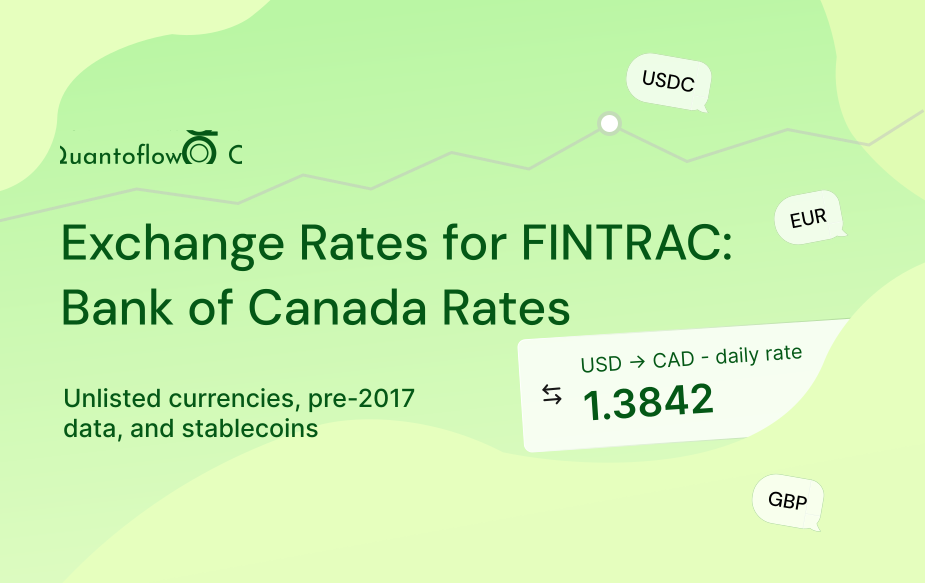
FINTRAC requires foreign currency transactions to be converted to Canadian dollars using the Bank of Canada rate to test the $10,000 reporting threshold. Here is how that works, where the Bank of Canada data runs out, and how to handle unlisted currencies and stablecoins like USDC and USDT.
Read the article
The PCMLTFR 24-hour rule says cash amounts totalling $10,000 or more within 24 consecutive hours are a single transaction. FINTRAC guidance describes static windows, but a running clock can catch transactions a static window misses. What the law says, where the readings part, and how to choose a method.
Read the article
iGaming Ontario operators work within a compliance structure most FINTRAC automation tools weren't built for. Operators enter reports in the FWR portal, but iGO holds the Submit button. What that means for your workflow, and where automation helps.
Read the article
As the RPAA matures and FINTRAC looks harder at payment service providers, compliance teams face questions nobody has settled: two-leg reporting, Travel Rule data gaps, crypto transaction fields, and what to do when guidance lags behind practice.
Read the articleSee Quantoflow with your own reports in mind. Book a demo and we’ll show you where the hours go.
